


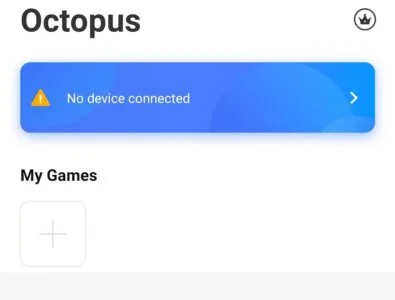
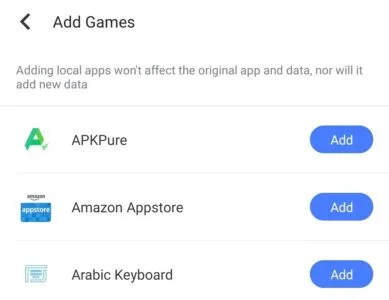
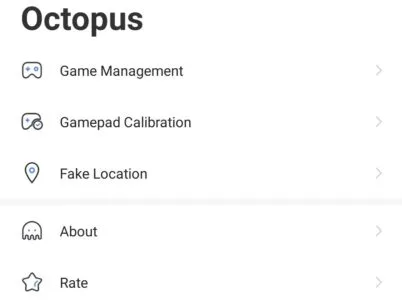
Octopus is a groundbreaking Android application designed to revolutionize mobile gaming by enabling users to play any installed Android game using external peripheral devices. This innovative tool seamlessly bridges the gap between touch-based mobile gameplay and the precision of traditional gaming setups, allowing players to connect and utilize keyboards, mice, or even gamepads. The process is remarkably straightforward: users simply sync their preferred peripheral devices and take a few moments to intuitively map all the necessary keys or buttons, transforming their mobile gaming experience with enhanced control and comfort.
Enhanced Gaming Control
This application dramatically elevates the gaming experience by offering a level of precision and responsiveness typically associated with console or PC gaming. Imagine executing complex maneuvers in an action RPG with the tactile feedback of a keyboard, or achieving pinpoint accuracy in a first-person shooter using a mouse. The tool empowers players to transcend the limitations of touchscreen controls, providing a significant advantage and a more immersive, engaging way to interact with their favorite mobile titles.
Effortless Peripheral Integration
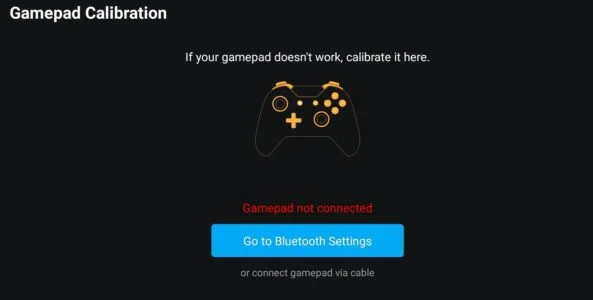
Integrating external devices with the platform is designed to be incredibly user-friendly, ensuring a smooth setup process for all users. The app streamlines the connection of various peripherals, from Bluetooth gamepads to USB keyboards and mice, making it accessible even for those new to such configurations. Once connected, the intuitive interface guides users through a quick and simple mapping process, allowing them to assign game actions to their chosen buttons or keys with minimal effort.
Customizable Input Mapping
The strength of this experience lies in its highly customizable input mapping system, which caters to individual playstyles and diverse game genres. Users have complete freedom to define their control schemes, assigning specific in-game actions to any key, button, or joystick input on their connected peripheral. This flexibility ensures that whether you’re navigating a racing game, performing combos in a fighting game, or managing resources in a strategy title, your controls are perfectly tailored to your preferences, optimizing both comfort and performance.
Universal Game Compatibility
One of the most compelling aspects of this utility is its broad compatibility, designed to work with virtually any Android game installed on your device. Unlike some specialized controllers that might only support a limited library of titles, this application offers a universal solution. This means players can enjoy their entire collection of mobile games, from the latest blockbusters to beloved indie gems, all with the enhanced control provided by their preferred external input devices, making it an indispensable tool for serious mobile gamers.












Write a review